
Platform
Industries
Journeys
Resources
Partners
Company

Go beyond CRM. Keep the work connected after Closed-Won.
CloudOffix gives you ready-to-use apps for sales, projects, resources, service and industry operations, with AI agents built in. Keep Salesforce and connect it to the work that begins after the deal, or consolidate where a business and transition case supports it.
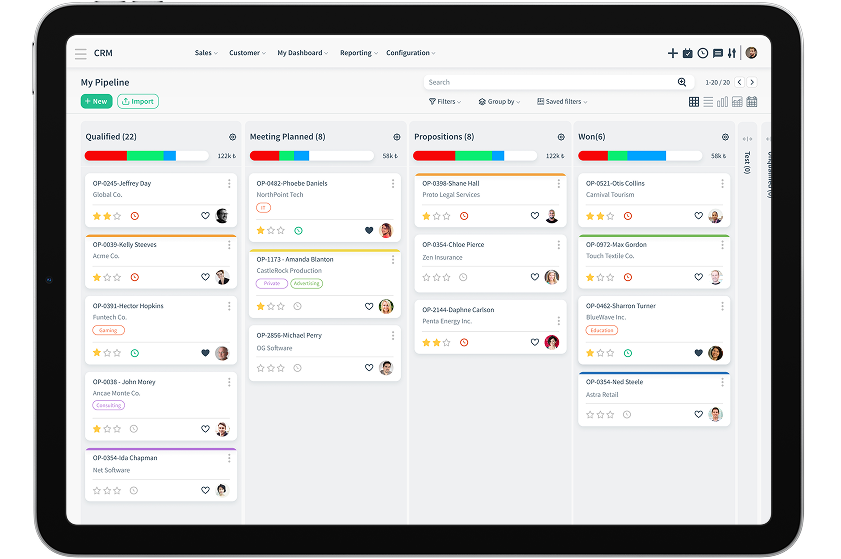
What happens to customer context when the sale moves into real work?
Many organizations manage opportunities well in Salesforce, then lose continuity across project tools, spreadsheets, email, resource planning and customer success systems. CloudOffix carries that context forward.
Shared operational context
Customer, commercial, delivery, talent and financial context stays connected instead of being copied between isolated tools.
Connected operations
Run sales, projects, service, collaboration and specialized processes as one operational journey.
AI within defined steps
AI assistants and configured agents analyze, summarize, prioritize and trigger allowed actions using governed business data; approvals and exceptions stay with people.
AI agentsPreserve the commercial promise all the way through execution
Through bi-directional integration, CloudOffix can be the operational layer that carries opportunity context into delivery and writes project information back to Salesforce.
Plan before the deal closes
Create a potential project during proposal or negotiation. Model milestones, dates, resource needs and the Gantt plan, then carry the same record into delivery.
Generate an AI-assisted handover
AI analyzes opportunity records and related activity to create a structured summary for the delivery team.
Deliver in one project context
Manage tasks, milestones, meetings, documents, risks and customer commitments together. Existing Jira processes can stay connected.
Plan capacity and resources
See availability, assignments and bottlenecks across projects before they affect delivery.
Connect project financials
Bring planned and actual cost, resource and external cost, margins, accruals, recognized revenue and billable effort into the project model.
Continue into customer growth
Keep outcomes, adoption, risks, renewal signals and expansion potential attached to the account.
Ask, analyze, report and act on the same data
CloudOffix AI works across operational records within user permissions. Configured agents can assess project risk, capacity issues, budget variance and customer signals on a schedule, and flag what needs a decision.
Turn live project data into an AI analysis, place it in a corporate report template and deliver it as a PDF or email.
- 01Which projects are at risk?
- 02Where are capacity issues?
- 03Which projects are over budget?
- 04What needs action now?
Run industry-specific operations on the same foundation
CloudOffix supports complete operating models, not only generic sales pipelines. Recruitment agencies are one clear example.
From client brief to shortlist, placement and billing
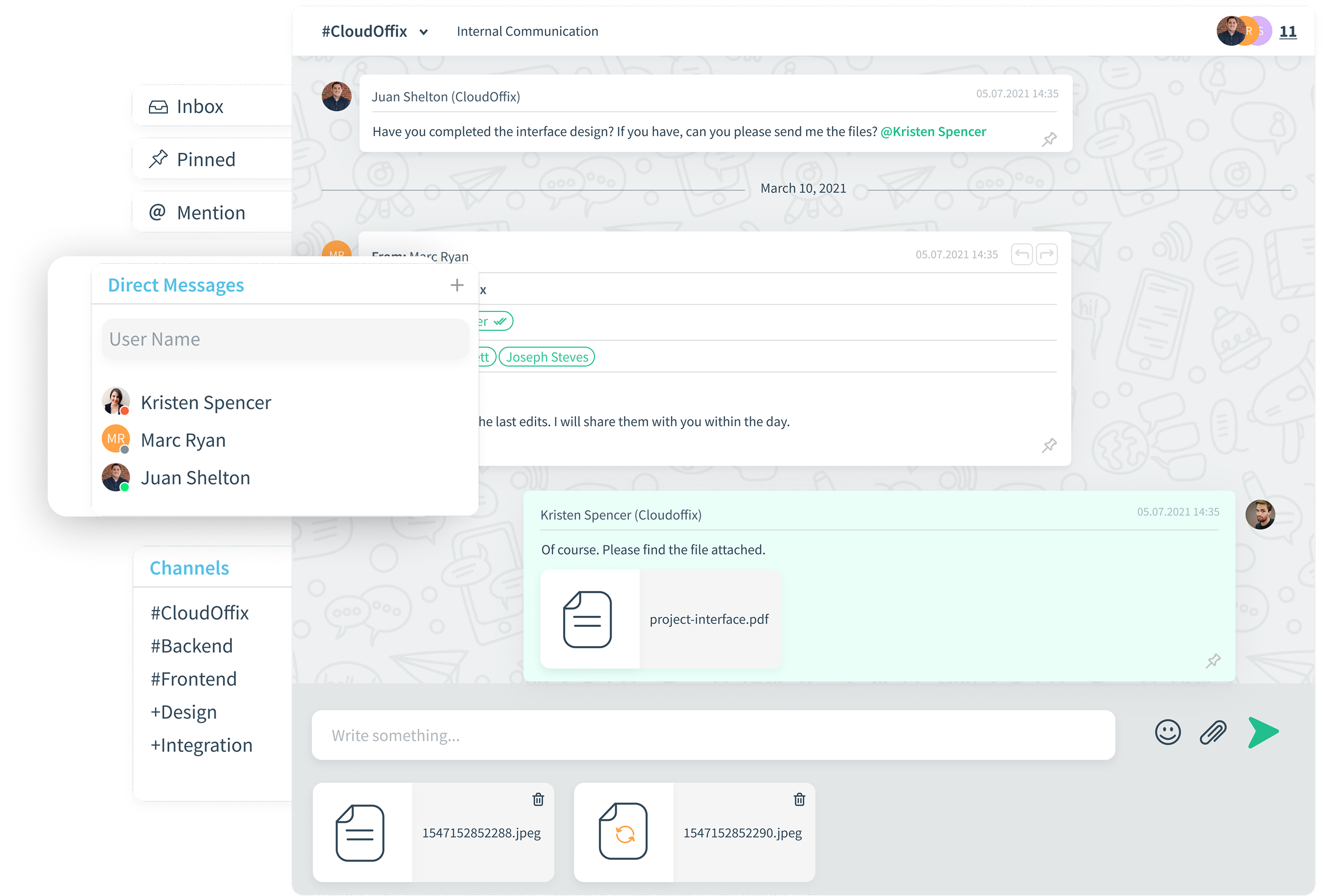
The recruitment agency solution connects employer demand, recruitment CRM, candidate intelligence and revenue handoff in one connected process, including AI-assisted job descriptions and contracts, client and candidate portals, and LinkedIn and job-board distribution.
- CV parsing, talent pools and semantic candidate matching
- Off-limits controls and bulk outreach
- Interview, placement, guarantee and replacement
- Invoicing and payment follow-up
.png)
Choose the setup that fits your business
Complement or replace: both are valid. The target process and a credible transition plan decide.
CRM and downstream work
Salesforce-centered stack: customer context often moves into separate project, finance and service tools after Closed-Won.
CloudOffix approach: Sales continues directly into connected delivery, service, finance and growth processes.
Existing Salesforce investment
Salesforce-centered stack: additional systems may require multiple connectors and manual handoffs.
CloudOffix approach: Salesforce stays in place while CloudOffix becomes the connected operational layer through bi-directional sync.
AI context
Salesforce-centered stack: AI insight depends on the data available within each product and integration boundary.
CloudOffix approach: Assistants and agents work across unified operational records, processes and permissions.
Specialized processes
Salesforce-centered stack: often extended through add-ons, custom development and point solutions.
CloudOffix approach: Configure existing apps or build purpose-built processes with CloudOffix Agentic App Builder on the same governed foundation.
Reporting
Salesforce-centered stack: teams may consolidate project, resource and financial data manually.
CloudOffix approach: Live dashboards and AI-generated, customer-ready reports use connected operational data.
From proposal to delivery and growth
Salesforce stays the CRM; CloudOffix carries the commitment into execution through bi-directional integration.
- 01
Sync the opportunity
Accounts, contacts and opportunities synchronize from Salesforce as the deal advances.
Connected system - 02
Plan before the deal closes
The delivery lead models a potential project with milestones, resources and a Gantt plan.
PeopleCloudOffix app - 03
Prepare the handover
An AI agent analyzes the opportunity and related activity and drafts a structured handover summary.
AI agent - 04
Approve and deliver
The project team reviews the handover and runs delivery, capacity and financials in one project context.
PeopleCloudOffix app - 05
Write back
Project status and links return to Salesforce for the account team.
Connected system
CloudOffix and Salesforce: frequently asked questions
Should CloudOffix replace Salesforce?
It can, when a unified sales and operations platform serves the target processes better and there is a clear business and transition rationale. It can also complement Salesforce by managing the processes that begin after an opportunity advances or closes.
Can CloudOffix integrate with Salesforce?
Yes. Accounts, contacts, opportunities and relevant project information can be synchronized bi-directionally.
Can a Salesforce opportunity automatically create a project?
Yes. A selected stage can trigger project creation, transfer opportunity context, apply a delivery template and return the CloudOffix project link or status to Salesforce.
Does CloudOffix replace Jira?
Not necessarily. Teams can manage delivery in CloudOffix or keep Jira connected while CloudOffix provides customer, resource, financial and executive visibility.
How does CloudOffix AI differ from a general-purpose chatbot?
It works with governed business records, relationships, permissions and processes: it answers questions, runs scheduled analysis, prepares reports and executes the actions it is authorized for, with approvals kept with people.
Can CloudOffix support industry-specific processes?
Yes. For recruitment agencies, for example, it connects client intake, roles, candidates, matching, placement, portals, billing and reporting.
See what happens after Closed-Won in your business
Try CloudOffix free, or book a demo and we'll map your Salesforce, delivery, resource, finance and customer success flow.